
First session · about 5 minutes
Start with one sample.
Follow these steps in the Windows app. You’ll need installed, activated Beta1 access.
Step 1 of 5
Load the sample
- Open Spins Sheet and stop any live feed.
- Expand Manual input. Paste the sample below, then choose Replace History.
- Choose Spins used: 250. The app uses the 48 available results.
Check48 results in Spins Sheet.
Open this guide section ↗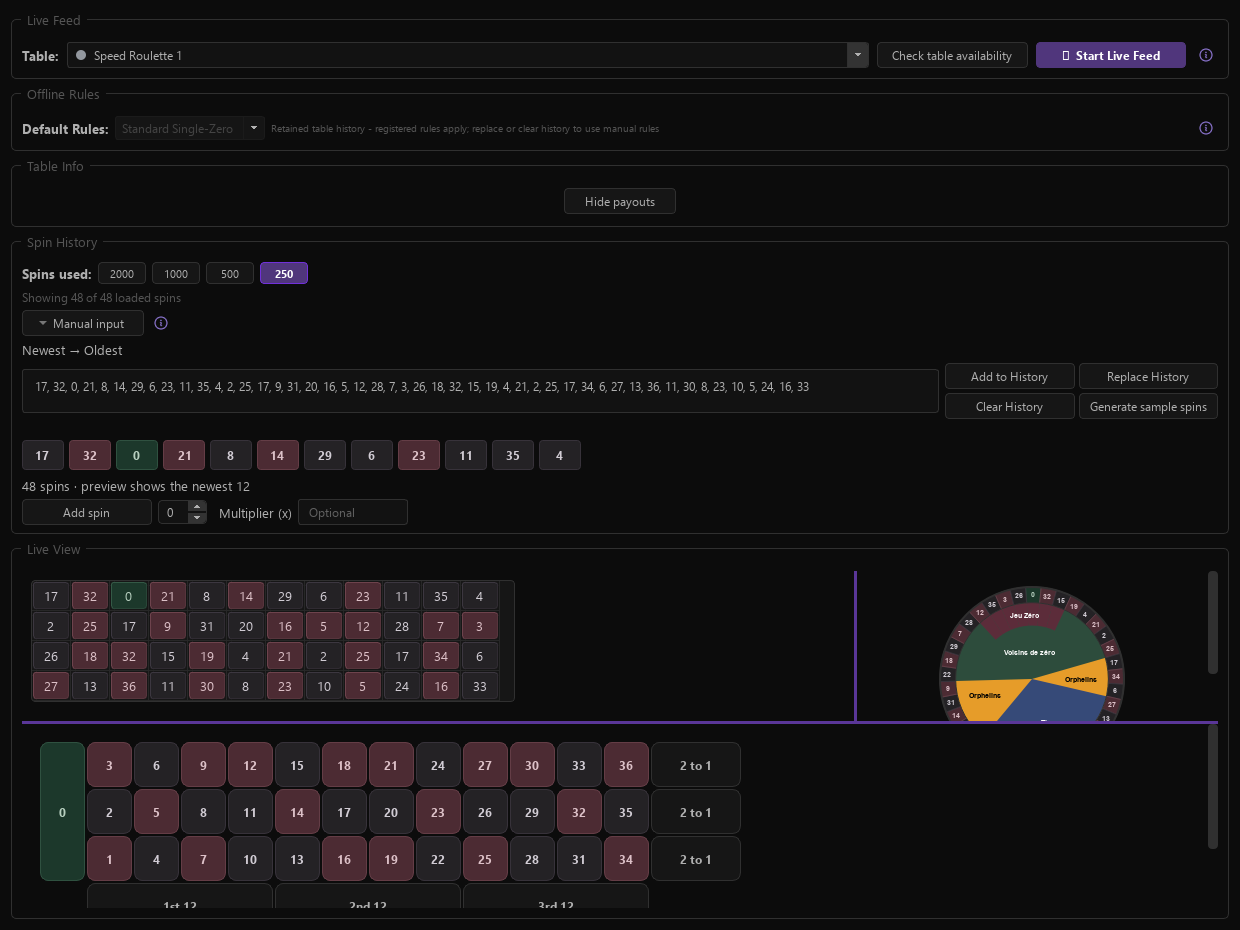
48-spin sample
Newest first. The same sample is used in the website demo.
1 / 5